Loading blog details...
Related Blogs
Loading blog details...
Loading blog details...
Related Blogs
Loading blog details...

Are you tired of navigating through cluttered and confusing interfaces? Do you long for websites and applications that are not only visually appealing but also incredibly user-friendly? Look no further! In today's digital world, the demand for intuitive and responsive interfaces is at an all-time high. And one design trend has been leading the charge – Flat UI. Join us as we delve into the importance of adopting Flat UI in user-centered design and discover how embracing simplicity can revolutionize your users' experience. Get ready to unlock a world of seamless navigation, captivating visuals, and ultimately, increased user satisfaction.
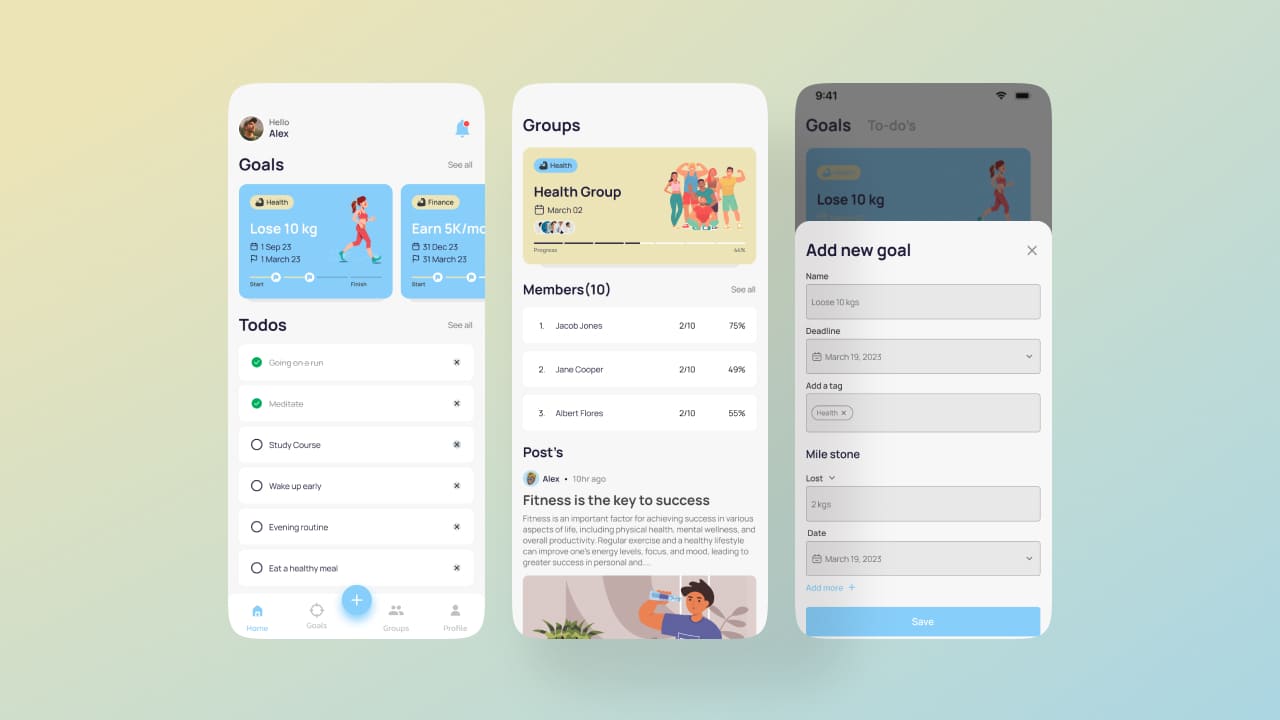
User-centered design is aims to create interfaces that are intuitive and responsive to the needs of the user. It takes into account the user's ability to use the interface, their level of comfort, and their overall satisfaction.
Flat UI is a style of user interface that uses minimalistic design elements and emphasizes simplicity and usability. This type of design is well-suited for user-centered design because it creates an uncluttered interface that is easy to navigate.
When designing a flat UI, designers should keep in mind the following principles:
Flat UI design is a style of web and app design that uses simple, two-dimensional elements and plain colors. It is often used to create clean, minimalistic designs that are easy to use and responsive.
Flat UI can be traced back to the early days of web design, when designers were limited by the technology available. They began using minimalistic designs to save on bandwidth and loading times. As web design has evolved, flat UI has become increasingly popular due to its clean aesthetic and ease of use.
Many modern web and app designs are moving away from traditional skeuomorphic interfaces (which mimic real-world objects) in favor of flat UI. This is because flat UI is more Intuitive and responsive, making it easier for users to navigate and interact with digital products.
Despite its benefits, flat UI does have some drawbacks. One of the biggest critiques of flat UI is that it can be difficult to convey complex information clearly. Additionally, some users find flat UIs to be less visually appealing than skeuomorphic or 3D interfaces.
Flat UI design has a number of benefits that make it an ideal choice for user-centered design. First, flat UI designs is highly intuitive and easy to use. This means that users are more likely to be able to navigate your interface quickly and easily, without having to think too much about how to use the controls. Second, flat UI design is very responsive. This means that your interface will respond immediately to user input, making the user experience more fluid and enjoyable. Flat UI design is extremely stylish and modern. This can help give your interface a unique look and feel that will help it stand out from the competition.
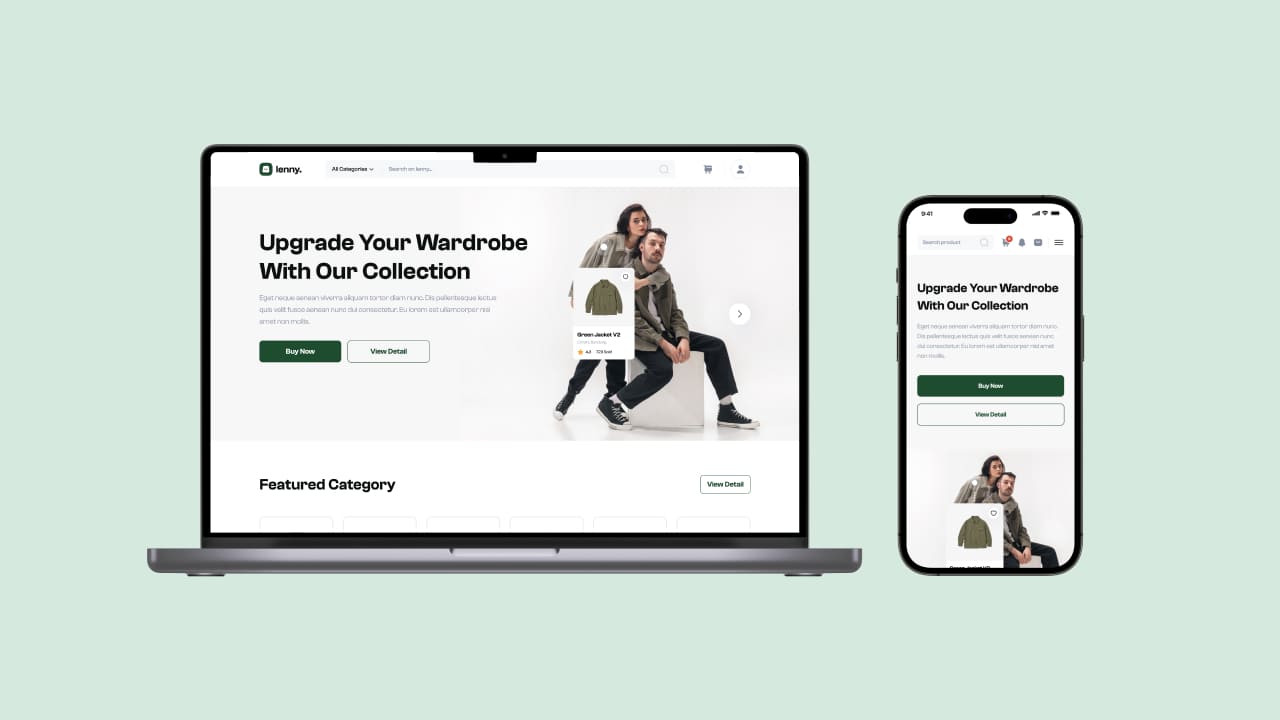
Flat UI design refers to a style of interface design that is minimalistic and focused on user experience. This type of design is becoming increasingly popular, as it can provide users with a more intuitive and responsive experience.

There are several key principles that are important to keep in mind when designing a flat UI:
Flat design is a minimalistic approach to design that emphasizes simplicity and usability. It has become increasingly popular in recent years, as it provides a clean and modern look that is easy to use on any device.
If you're looking to implement flat UI design in your web or mobile UI, there are a few things to keep in mind. Here are some tips:
When it comes to user-centered design, one of the most important elements is creating an interface that is both Intuitive and responsive. While flat UI design can help with this, there are some challenges that come along with adopting this approach.
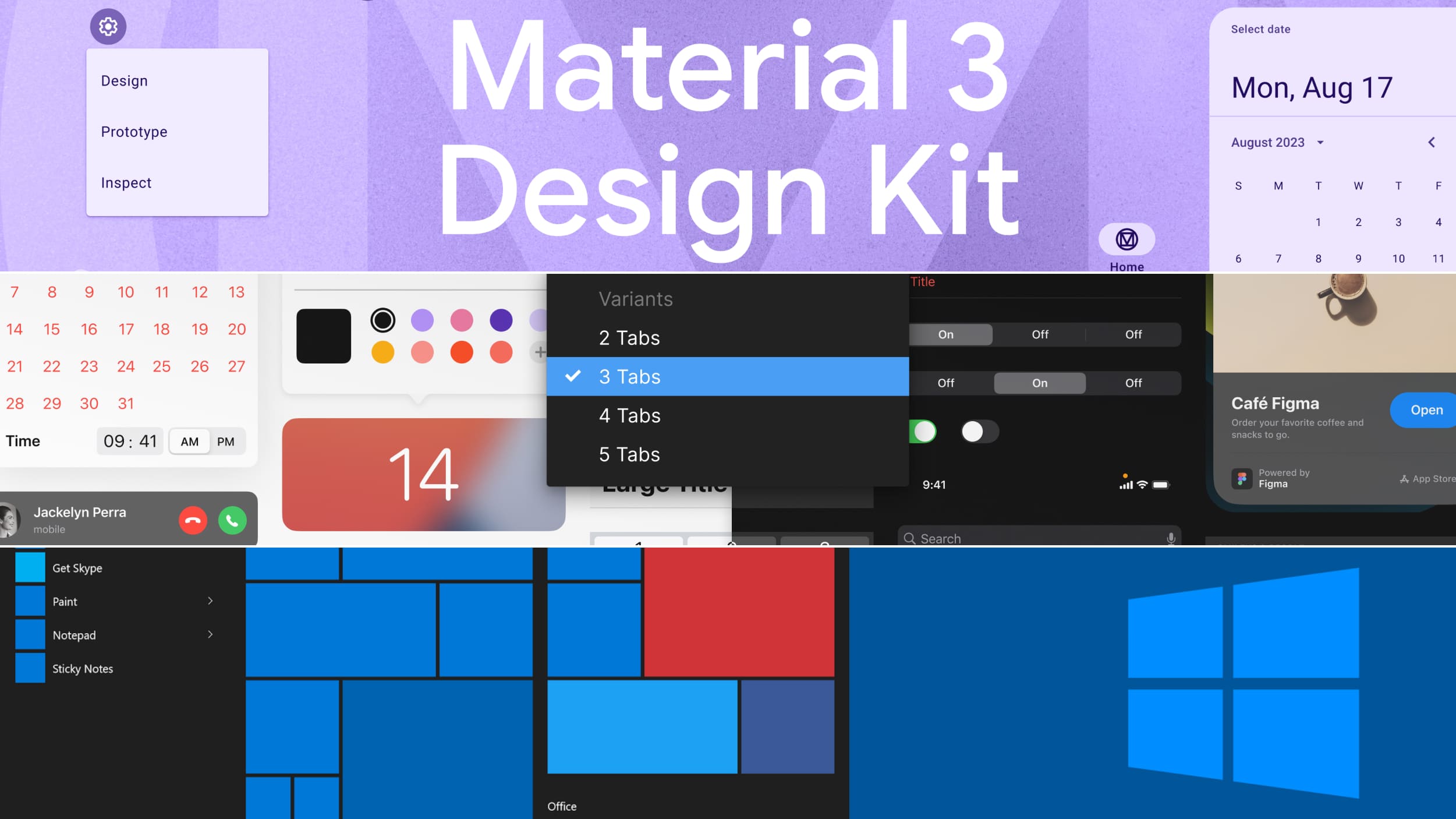
One challenge is that without any real-world context, it can be difficult for users to understand what they need to do in order to complete a task. Another challenge is that flat UI designs can sometimes result in an interface that feels “empty” or “sterile”. This can be off-putting for users who are used to more traditional designs.
Another potential challenge is that, because flat UI design relies heavily on colors and icons, it can be difficult to create a consistent look and feel across different devices and screen sizes. This can make it difficult for users to transition from one device to another.
Flat UI design can require more effort to create than other types of designs. This is because each element needs to be designed individually, rather than using pre-existing templates or frameworks. As a result, it can take longer to create a flat UI design, which can impact the overall timeline for a project.
Flat UI has been successfully used to create a variety of user-centered designs that are both intuitive and responsive. Here are a few examples:
By understanding Flat UI design principles and incorporating them into your web or mobile interface, you can create a simpler, more intuitive experience for the user. It's important to remember that users expect a pleasant experience when interacting with their device. That means making sure they can find what they need quickly and easily while also ensuring that details such as fonts, colours, and layouts are consistent throughout. By implementing Flat UI designs, designers can ensure the highest degree of usability in their interfaces without sacrificing aesthetics.

45 Reviews

45 Reviews